


How to do it without revealing your home address
It’s easy enough to set up a Google My Business account, but it doesn’t count for much if it doesn’t appear in searches – for this you must get verified.
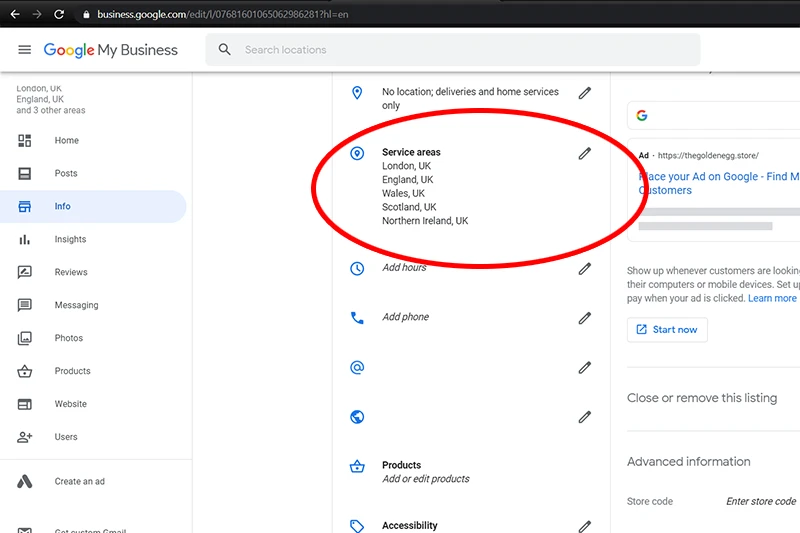
Google’s desire to use your address as verification is a great way of keeping the google listings accurate and legitimate. However, it’s not actually necessary to display the address online at any point. You can also still appear on Google maps without a public address – by showing your businesses service areas. This gives remote businesses such as ours a chance to compete with city offices, and we think this is just the start of more flexible business locations in the future.
Step 1 – Enter your details
Go to business.google.com and fill in your details. You will need to fill in your address, but this is only for Google to send your verification code, it will never be available online if you don’t want it to be.
Step 2 – Receive your Verification letter
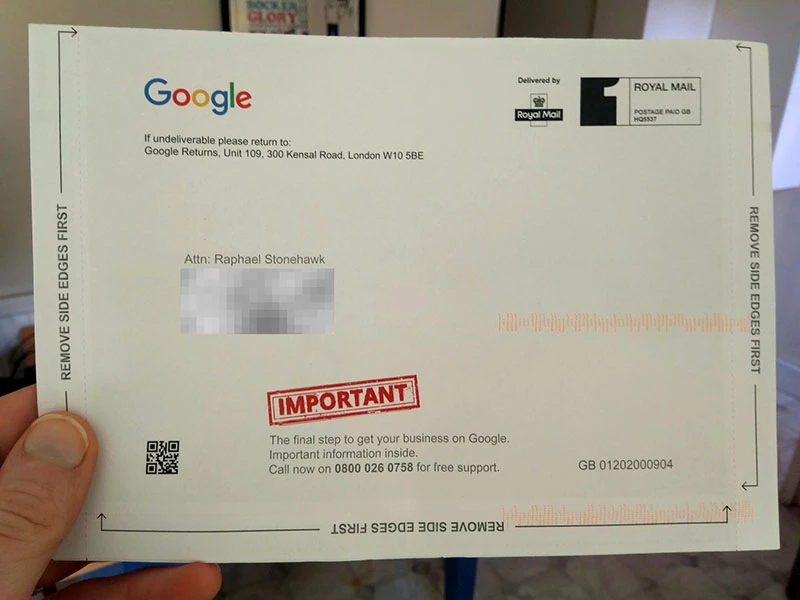
Within a few days your Google Business Verification letter will arrive, just like mine did! There’s nothing like the feeling of legitimacy like having a letter arrive in your business’ name!
Step 3 – Enter your Verification Code
Log into the verification URL: google.com/verifymybusiness, and enter the 5 digit verification code in your letter.
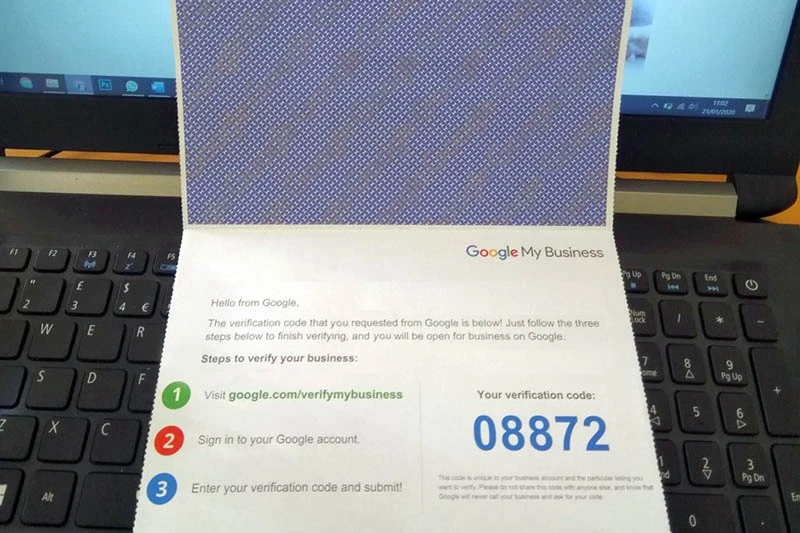
Congratulations – your business is now verified!
Now with your free Google account you have a lot of advantages to unregistered users, like;
- Appearing in the Search results page business Knowledge Panel
- Appearing in Google maps searches
- Be eligible for Google Reviews from customers
- Get insights into your Google Business page
- Weigh up your options for paying for Google Ads